Priced in your currency, paid in crypto: how the rate works
Set a price in any of 150 currencies and get paid in crypto: the reference rate, how long it holds while your customer pays, and what reaches your balance.
Dit artikel is alleen in het Engels beschikbaar.
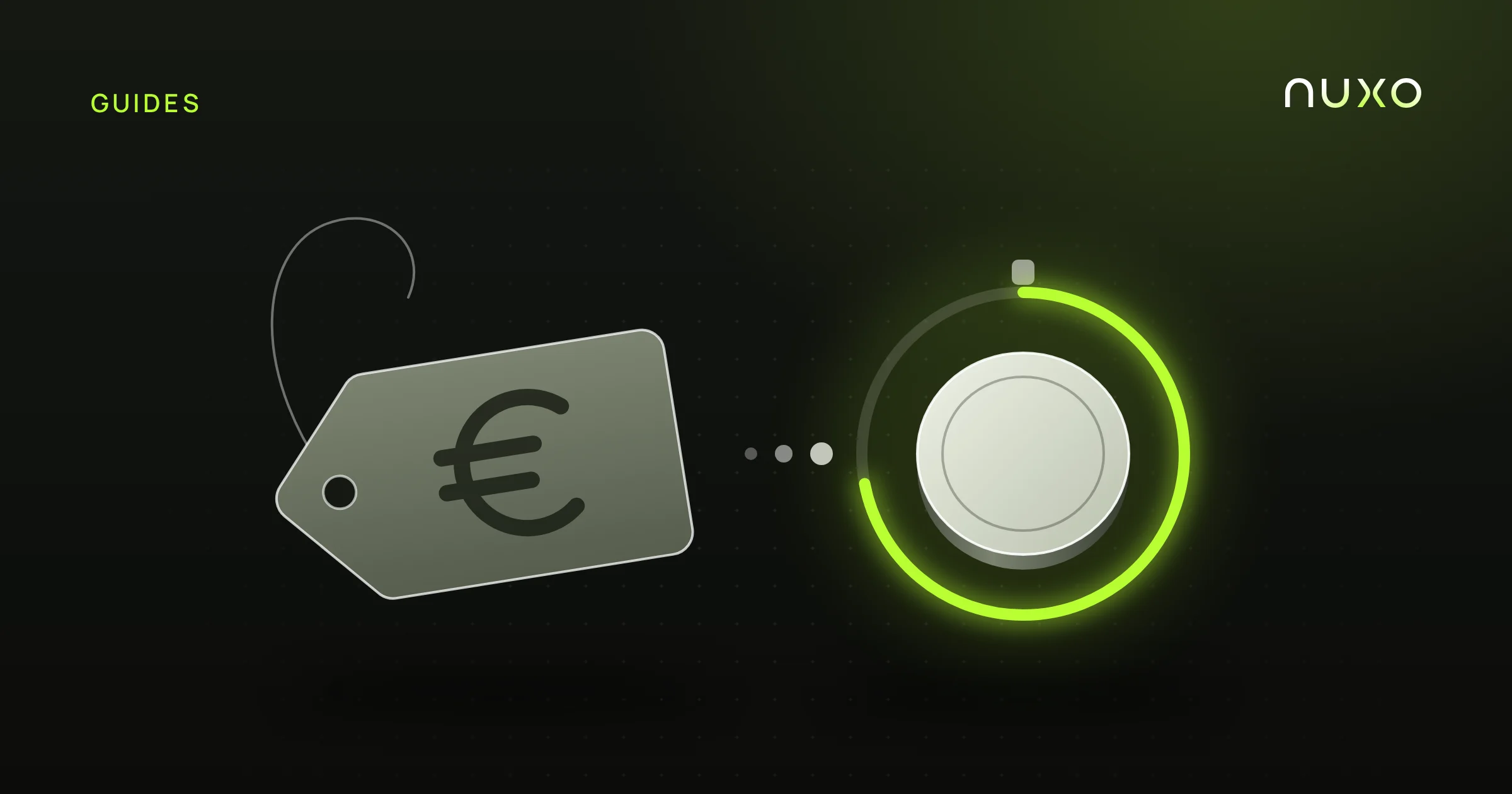
Your customer knows what 49 euros is. They rarely know what 0.00071 of a coin is, and that figure moves every minute. So with Nuxo you set your prices in your own money, your customer pays in the coin they hold, and the coin amount is worked out for them when they pay. Here is how the rate works, how long it holds, and what reaches your balance.
Your price, in your currency
You can set a price in any of 150 currencies: on a payment link, an invoice, a subscription plan, a coupon, a register at your counter, and on payouts and payroll too. Your customer sees the price in your money first. Once they pick a coin, they see what it comes to in that coin, and that is what they send.
| Currency | A price of | Comes to |
|---|---|---|
| Euro | €29.00 | 31.83 USDC |
| British Pound | £24.00 | 31.45 USDC |
| Japanese Yen | ¥5,100 | 32.02 USDC |
| Canadian Dollar | CA$46.00 | 32.30 USDC |
| Brazilian Real | R$190.00 | 32.63 USDC |
A rate locked while they pay
When your customer starts to pay, the rate is locked for 15 minutes and the time runs on their screen. The coin amount they see does not move while it runs, so the price they agreed to is the price they pay.
If the time runs out before their payment is seen on the network, and the payment is still open, the coin amount is quoted again at the rate of that moment, and a new time starts. Your price never moves; only what it comes to in the coin. Once money for the payment is seen on the network, it is never quoted again.
Worth knowing
A subscription’s price stays the one you set. Each billing cycle becomes its own invoice and locks its own rate when the customer pays it, so the coin amount can differ from one cycle to the next.
Which rate
Your price is turned into dollars at a reference rate, updated every minute for 10 of the currencies and daily for the rest, then into the coin your customer picked at its price at that moment. The reference rate says what your currency is worth against the dollar; it is not a price an exchange or a bank would give you.
If the sources we read for a currency stop agreeing, new prices in it are paused until they agree again, rather than charged at a rate we cannot stand behind. The currency stays on the list while it waits.
What reaches your balance
You are credited in the coin your customer paid, not in your currency, less our flat 1%. Payouts leave as coins too. Your currency is how you price and how your customer reads the price; the money itself stays crypto.
- To hold dollars, let your customers pay in a dollar stablecoin.
- To turn a balance into another coin, convert it in the console: 0.2% between USDT, USDC, USD1 and PYUSD, 1% for any other conversion, shown before you confirm.
Uit het Helpcentrum
Mijn valuta staat niet op de lijst. Wat kan ik doen?
Zet de prijs in Amerikaanse dollars, die wel op de lijst staan; je klant betaalt dan de tegenwaarde in de munt die hij kiest. Of schrijf ons en noem de valuta.
Het antwoord lezenVragen
What does my customer see when the time runs out?
The checkout quotes the coin amount again at the rate of that moment and starts a new time, with the same address. The price in your currency stays as it was.
Can a price be quoted again after my customer has paid?
No. Once money for the payment is seen on the network, the coin amount is final. If what arrived is short, the payment waits as underpaid, with the rest sent to the same address.
 X
 LinkedIn