How to pay suppliers and staff in crypto, safely
Payouts one at a time or 500 from a file, payroll priced in each person’s currency, and the checks that stop money leaving where it should not.
Questo articolo è disponibile solo in inglese.
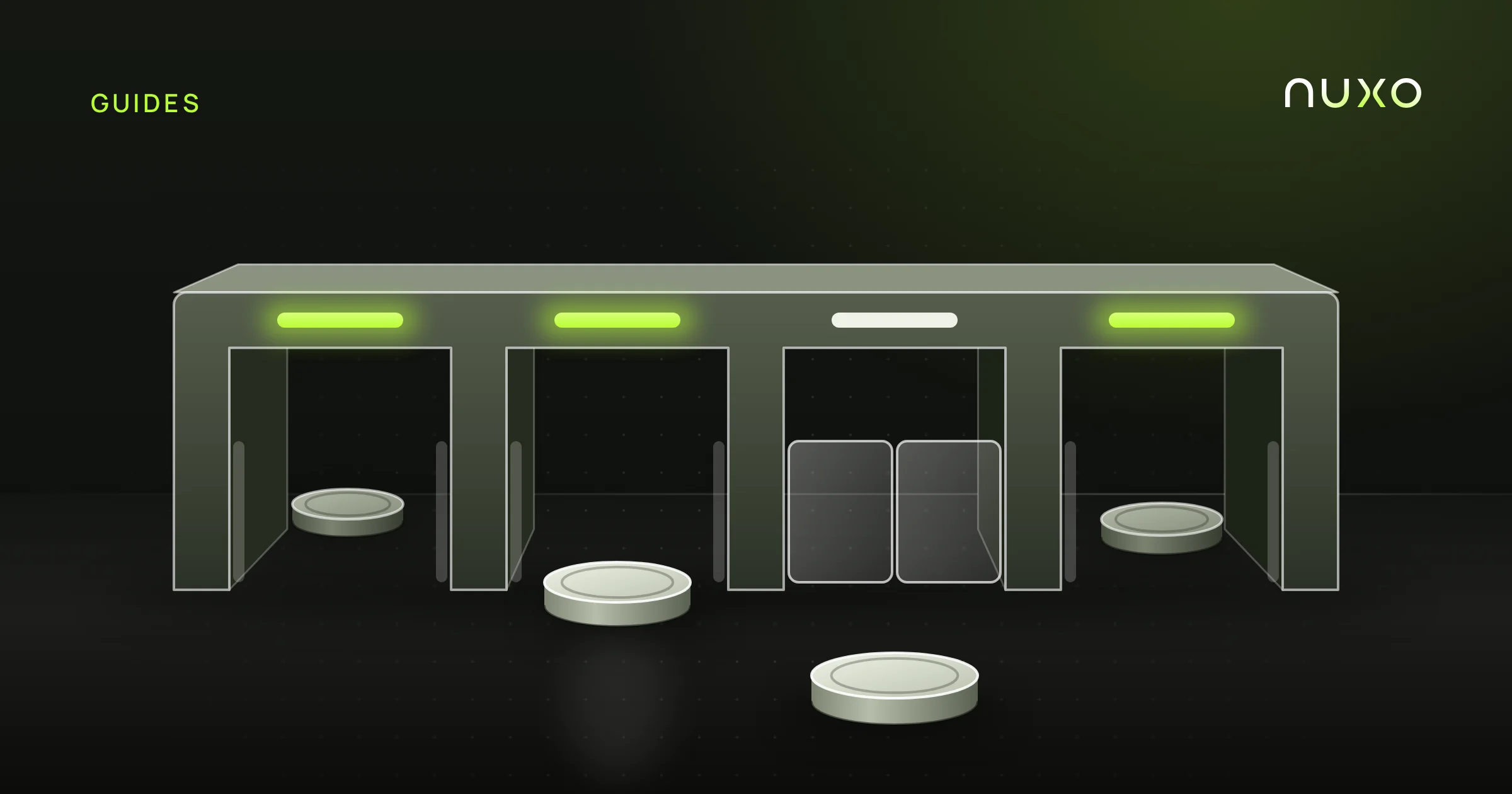
Money sent on a blockchain cannot be called back. So when you pay a supplier or your team in crypto, what matters most is what is checked before anything leaves. Here are the two ways money leaves your Nuxo balance, payouts and payroll, and the controls you can put in front of each.
Payouts: one, five hundred, or by a rule
A payout sends from your balance to any address, in three ways:
- One at a time, from the console or through the API.
- Up to five hundred from a file, typed in or imported as CSV or JSON. Each row is checked on its own: the ones that pass go, the ones that do not come back with the reason, and nothing is taken for them.
- By a rule that runs itself: an automatic withdrawal moves a coin’s balance to an address of yours when it reaches an amount, on a schedule, or both, keeping back what you ask it to.
You can type a payout’s amount in your own currency: the coin is worked out at the reference rate when you send, and the recipient receives the coin. A payout goes out on the network of the address you send to, and its fee comes from your balance, shown before you confirm, with what the recipient gets.
What a payout passes before it leaves
Every payout, from the console, the API or a file, is checked that its address fits its network and is not one Nuxo has blocked. In the console, sending money asks for your second step again, for that one request. On top of that, the controls are yours to switch on:
- A whitelist of the addresses you added: with it on, a payout goes only to one of them.
- Limits on each payout and on each day.
- Confirmation from your inbox: a payout waits until the person who made it approves it from a one-time link, and one left unconfirmed is cancelled with nothing sent.
- Approval policies: above a value, or past a limit over time, a payout waits for the approvers you named. Whoever sent it never counts as one, and an API key never approves.
- An IP whitelist for the API: a key answers only from the addresses you allow.
Worth knowing
A change to how you sign in pauses payouts, and you are told at once. A passkey or app you already had lifts the pause.
Dal Centro assistenza
Cosa impedisce a qualcuno di svuotare il saldo?
Le erogazioni sono il modo principale in cui il denaro esce, quindi lì si concentra la maggior parte dei controlli: una lista degli indirizzi consentiti che hai aggiunto tu, limiti per ogni erogazione e per ogni giorno, una conferma dalla tua casella email e le policy di approvazione, con cui un’erogazione oltre il tuo limite attende i tuoi approvatori e chi l’ha inviata non conta mai come uno di loro. Un trasferimento verso un altro account Nuxo va solo alle organizzazioni che hai aggiunto come destinatari, e inviare denaro richiede di nuovo il secondo passaggio. Una chiave API può rendere queste regole più rigide, mai allentarle: per quello serve una persona che abbia effettuato l’accesso.
Leggi la rispostaPayroll: one run, each person in their own currency
Each person’s salary is set in the currency it was agreed in, and paid in the coin and on the network they pick, or to their own Nuxo account. A run prices every salary when it is approved, and that is what is paid, whatever the market does next.
- Approving a run is a permission of its own. Only someone who holds it can approve, and through the API only a key that was given it.
- A run your balance cannot cover cannot be approved: it is checked first, salaries and network fees included.
- The network fee is yours, on top, so each person is paid in full. A salary paid to a Nuxo account moves at once, with no network fee.
- A schedule drafts each run on its day: weekly, every 2 weeks, monthly or on days you choose. Approving it can stay with a person, or be left to the schedule, which only someone allowed to approve payroll can set up.
Each person is told by email when they are paid, with a link to a page of their own: every payslip and the transaction behind each, with nothing to sign in to.
When something does not go through
A payout that is pending or awaiting confirmation can be cancelled, one or many at once, and its amount comes back. One that fails on the way puts its amount back in your balance, with the reason when the reason is the recipient. On a network that is paused, a payout waits and says why instead of failing. In a payroll run, a line that cannot be paid leaves its amount in your balance, and the run says why.
What your server hears
payout.created,payout.sent(with the transaction hash),payout.confirmed, andpayout.failedorpayout.cancelled.approval_request.createdwhen a payout waits for your approvers, thenapproval_request.approvedorapproval_request.rejected.payroll.run.approved, thenpayroll.run.completed,payroll.run.partially_completedorpayroll.run.failed.auto_withdrawal.executedeach time a rule runs.
Each is signed and sent to the endpoints that asked for it. How webhooks work.
Domande
Can I set a payout’s amount in my own currency?
Yes. Type the amount in a currency and the coin is worked out at the reference rate when you send. The recipient receives the coin, never the currency.
Does every payout need a second person to approve it?
No, only the ones your approval policies catch: above a value you set, or past a limit over time. Below them, a payout goes once it passes the checks you switched on.
 X
 LinkedIn