How to pay suppliers and staff in crypto, safely
Payouts one at a time or 500 from a file, payroll priced in each person’s currency, and the checks that stop money leaving where it should not.
Dit artikel is alleen in het Engels beschikbaar.
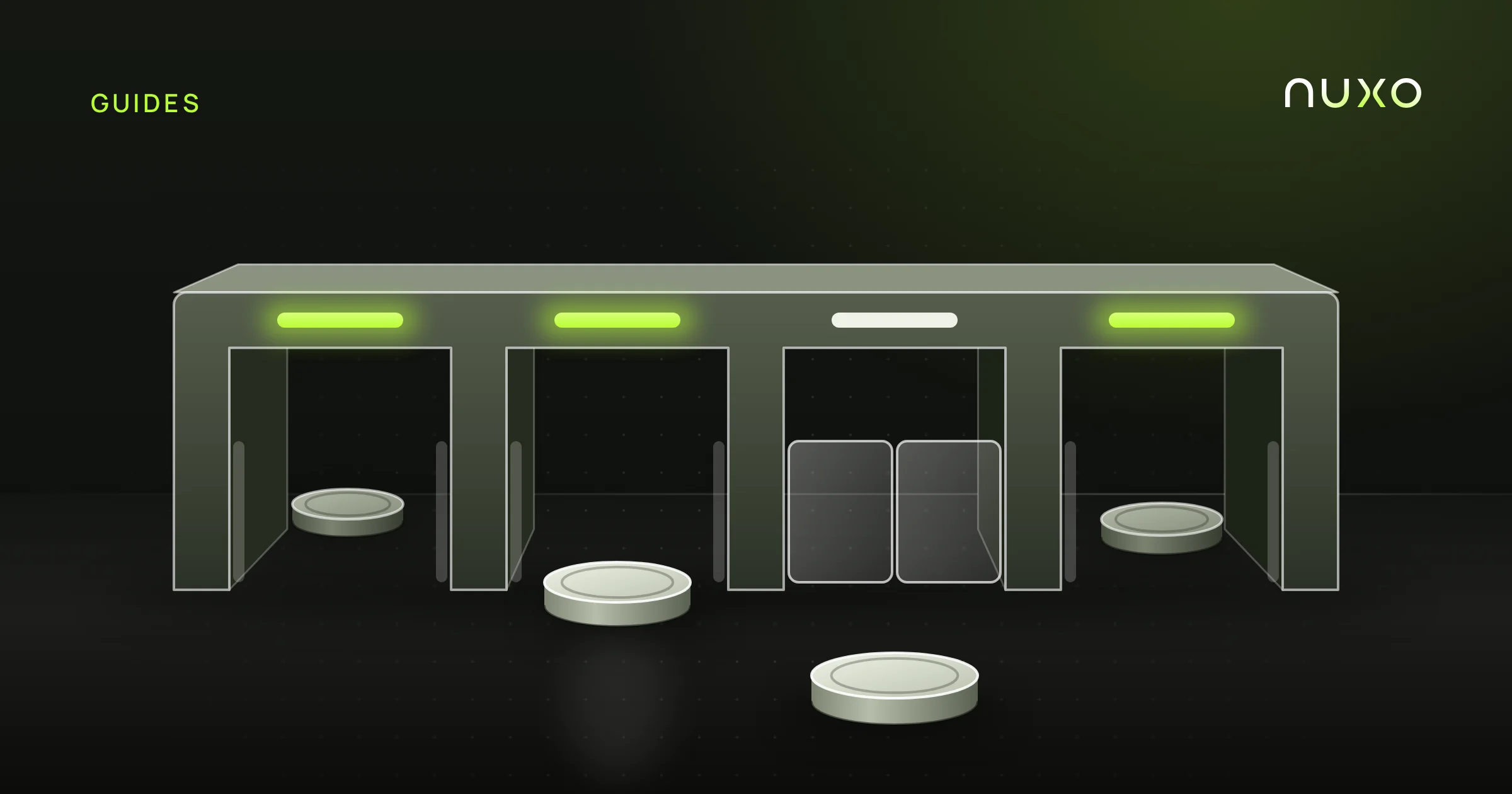
Money sent on a blockchain cannot be called back. So when you pay a supplier or your team in crypto, what matters most is what is checked before anything leaves. Here are the two ways money leaves your Nuxo balance, payouts and payroll, and the controls you can put in front of each.
Payouts: one, five hundred, or by a rule
A payout sends from your balance to any address, in three ways:
- One at a time, from the console or through the API.
- Up to five hundred from a file, typed in or imported as CSV or JSON. Each row is checked on its own: the ones that pass go, the ones that do not come back with the reason, and nothing is taken for them.
- By a rule that runs itself: an automatic withdrawal moves a coin’s balance to an address of yours when it reaches an amount, on a schedule, or both, keeping back what you ask it to.
You can type a payout’s amount in your own currency: the coin is worked out at the reference rate when you send, and the recipient receives the coin. A payout goes out on the network of the address you send to, and its fee comes from your balance, shown before you confirm, with what the recipient gets.
What a payout passes before it leaves
Every payout, from the console, the API or a file, is checked that its address fits its network and is not one Nuxo has blocked. In the console, sending money asks for your second step again, for that one request. On top of that, the controls are yours to switch on:
- A whitelist of the addresses you added: with it on, a payout goes only to one of them.
- Limits on each payout and on each day.
- Confirmation from your inbox: a payout waits until the person who made it approves it from a one-time link, and one left unconfirmed is cancelled with nothing sent.
- Approval policies: above a value, or past a limit over time, a payout waits for the approvers you named. Whoever sent it never counts as one, and an API key never approves.
- An IP whitelist for the API: a key answers only from the addresses you allow.
Worth knowing
A change to how you sign in pauses payouts, and you are told at once. A passkey or app you already had lifts the pause.
Uit het Helpcentrum
Wat houdt iemand tegen om het saldo leeg te halen?
Uitbetalingen zijn de belangrijkste manier waarop geld vertrekt, dus daar zitten de meeste controles: een whitelist van adressen die jij hebt toegevoegd, limieten per uitbetaling en per dag, een bevestiging vanuit je inbox, en goedkeuringsbeleid, waarbij een uitbetaling boven je limiet wacht op je goedkeurders en wie haar verstuurde nooit als goedkeurder meetelt. Een overboeking naar een ander Nuxo-account gaat alleen naar organisaties die je als ontvanger hebt toegevoegd, en voor het versturen van geld vragen we opnieuw om je tweede stap. Een API-sleutel kan deze regels strenger maken, maar nooit soepeler: dat kan alleen iemand die is ingelogd.
Het antwoord lezenPayroll: one run, each person in their own currency
Each person’s salary is set in the currency it was agreed in, and paid in the coin and on the network they pick, or to their own Nuxo account. A run prices every salary when it is approved, and that is what is paid, whatever the market does next.
- Approving a run is a permission of its own. Only someone who holds it can approve, and through the API only a key that was given it.
- A run your balance cannot cover cannot be approved: it is checked first, salaries and network fees included.
- The network fee is yours, on top, so each person is paid in full. A salary paid to a Nuxo account moves at once, with no network fee.
- A schedule drafts each run on its day: weekly, every 2 weeks, monthly or on days you choose. Approving it can stay with a person, or be left to the schedule, which only someone allowed to approve payroll can set up.
Each person is told by email when they are paid, with a link to a page of their own: every payslip and the transaction behind each, with nothing to sign in to.
When something does not go through
A payout that is pending or awaiting confirmation can be cancelled, one or many at once, and its amount comes back. One that fails on the way puts its amount back in your balance, with the reason when the reason is the recipient. On a network that is paused, a payout waits and says why instead of failing. In a payroll run, a line that cannot be paid leaves its amount in your balance, and the run says why.
What your server hears
payout.created,payout.sent(with the transaction hash),payout.confirmed, andpayout.failedorpayout.cancelled.approval_request.createdwhen a payout waits for your approvers, thenapproval_request.approvedorapproval_request.rejected.payroll.run.approved, thenpayroll.run.completed,payroll.run.partially_completedorpayroll.run.failed.auto_withdrawal.executedeach time a rule runs.
Each is signed and sent to the endpoints that asked for it. How webhooks work.
Vragen
Can I set a payout’s amount in my own currency?
Yes. Type the amount in a currency and the coin is worked out at the reference rate when you send. The recipient receives the coin, never the currency.
Does every payout need a second person to approve it?
No, only the ones your approval policies catch: above a value you set, or past a limit over time. Below them, a payout goes once it passes the checks you switched on.
 X
 LinkedIn