How to accept crypto payments as a business
The four ways a business takes crypto payments, online or in store. What happens after your customer pays, and what it costs you.
Det här inlägget finns bara på engelska.
If your customers hold crypto, some of them would rather pay with it than with a card. Taking it no longer means running a node, watching a blockchain or keeping private keys. This guide covers the four ways a business takes a crypto payment, what happens after the customer pays, and what it costs.
What you need before you start
You need a crypto payment gateway: a service that takes the payment on your behalf and credits your account. A personal wallet can receive coins, but it cannot price an order in your currency, tell you which customer paid or send you a webhook when the money is final. A gateway does all three.
Then decide two things: the currency you price in, usually the one you already sell in, and the coins you take. With 76 assets on 43 networks, you can leave the coins to your customer, who pays in whatever they hold. For the moving parts, see how a crypto payment gateway works.
Från Hjälpcenter
Vad gör Nuxo egentligen?
Vi tar emot kryptobetalningar åt dig och ger dig en dashboard i stället för en blockkedja. Du sätter priset i din egen valuta, kunden betalar med den kryptovaluta som passar, på något av våra 43 nätverk, och vi bevakar blockkedjan, bekräftar betalningen och för över pengarna till ditt saldo. Du behöver aldrig driva en nod eller förvara en privat nyckel.
Läs svaretFour ways to take a crypto payment
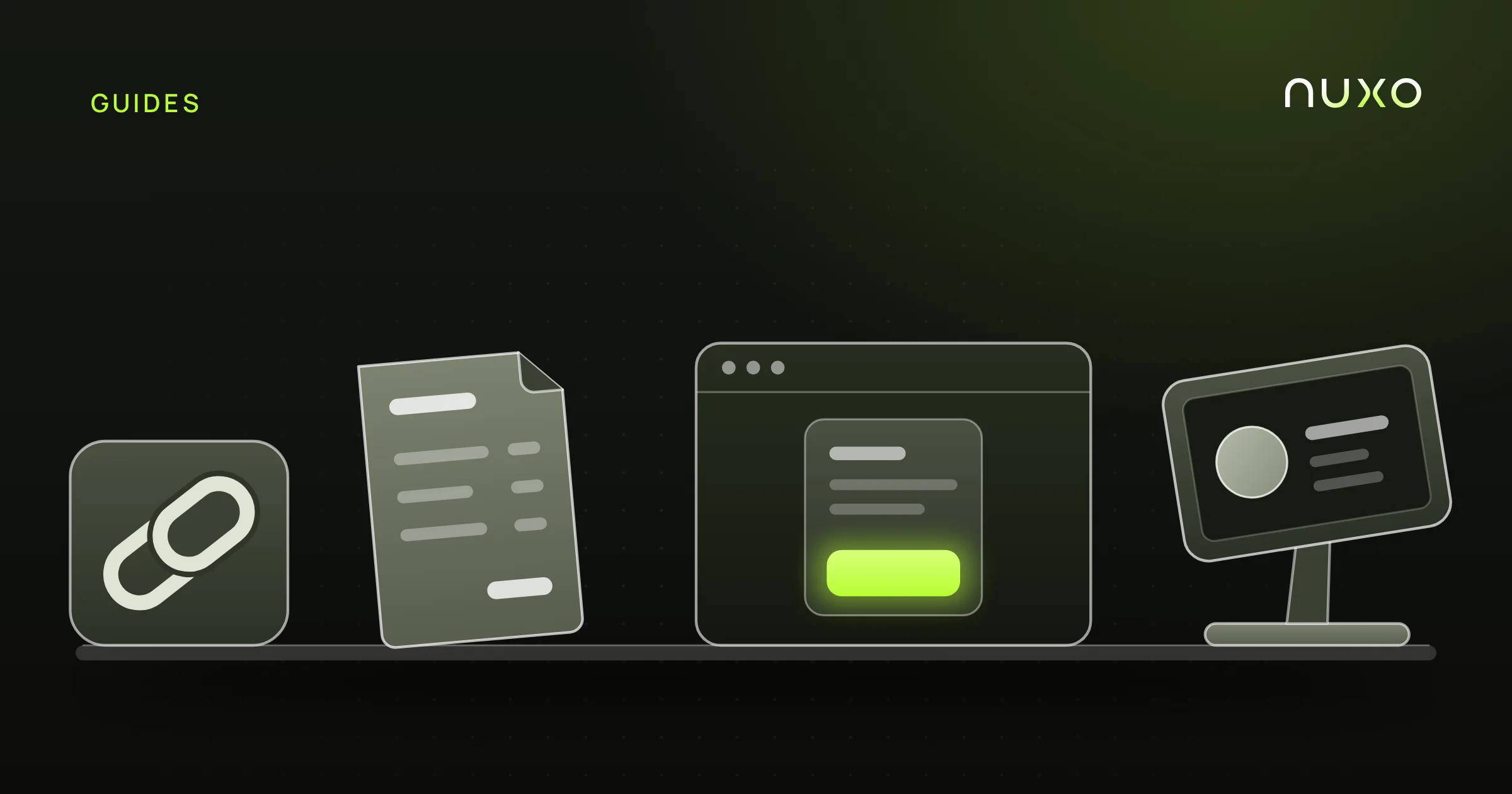
Pick the one that matches how you sell today. You can start with one and add another later; they all land in the same balance.
| Way | Best for | What you build |
|---|---|---|
| A payment link | Selling in a chat, on social media or from a printed QR code | Nothing |
| An invoice | Billing a client for work or an order | Nothing |
| A checkout on your site | An online shop or a website | 2 lines of HTML, or one API call |
| An in-store register | A counter, a market stall, a café | Nothing: a tablet or a phone |
A payment link
A payment link is one link that takes a payment. Send it in a chat, put it in your bio or print its QR code on a menu. Your customer opens it, picks a coin they hold and pays. The amount can be fixed in your currency, set in a coin or left open for them to name. More on payment links.
An invoice
Bill in your own currency, with your own invoice numbers, and get paid in crypto. The invoice goes out by email with its PDF, reminds your customer as the due date comes and goes, and closes itself when it is paid. For a customer who pays every month, a subscription sends each period’s invoice for you. More on invoices.
A checkout on your website
There are three ways, from the least work to the most control:
- A Pay with Crypto button. Paste 2 lines of HTML, and a click on the button opens the checkout over your page. More on the payment button.
- The hosted checkout. Your server creates the payment with one API call and sends the customer to a page we host, which brings them back to your site once it is paid. More on hosted checkouts.
- Your own screen. Take the address, the exact amount and the QR code from the same call and draw the payment step yourself. More on the API.
Trust the webhook, not the page
Whichever way you pick, ship the order when your server hears the signed payment.paid webhook, not when the customer’s browser says so. A page can be closed or faked; the webhook cannot.
An in-store register
Any tablet or phone becomes a register in the browser, with nothing to install. The cashier types the amount. The customer scans the QR code with their own phone, adds a tip if you allow tips, and pays. The register shows the payment the moment it lands. More on point of sale.
What happens after your customer pays
- The price is set. Your customer sees the amount in your currency and what to send in their coin, at a rate that holds for 15 minutes at a time.
- They send it. They scan the QR code with their wallet, or copy the address and the exact amount.
- The network confirms it. The payment is pending as soon as it is seen and paid once its confirmations are in: under a minute on 32 of the 43 networks, about 30 minutes on Bitcoin’s own chain. More on how long each network takes.
- Your balance is credited, less the fee, and your webhook hears it.
Customers sometimes send too little or too much, and the payment page handles both.
Från Hjälpcenter
Vad händer om kunden skickar fel belopp?
Skickar de för lite visar sidan vad som återstår och samma adress att skicka till, och du får veta det, så att du kan godta det som kom eller återbetala det. Skickar de för mycket hålls överskottet åt dem i 7 dagar och länken för att få tillbaka det går till e-postadressen de angav före betalningen, så ingen behöver skriva till din support.
Läs svaretWhat it costs
At Nuxo, a payment you receive costs a flat 1%, whatever the coin or the network, with no monthly fee, no setup cost and nothing per payment. Bringing a customer’s payment into your balance costs a network fee on most chains, and that cost is ours.
- Converting a balance: 0.2% between USDT, USDC, USD1 and PYUSD, and 1% for any other pair, shown before you confirm.
- Sending money out: the network’s fee, shown before you send.
- Moving money between Nuxo accounts: nothing.
Other gateways price this differently, and the headline rate is rarely the whole bill. Our comparison of crypto payment gateway fees puts the published rates side by side.
Where the money goes
Every coin you are paid in is one balance, whichever network it arrived on. If you would rather not hold the coins your customers pay in, turn them into your settlement asset, such as the stablecoin USDC, by hand or automatically. From there, you can send it to any address: one payout at a time, up to 500 from a file, or by a rule that runs itself. Paying out to a bank account is not offered today. More on the wallet and payouts.
The rules to know
In live mode, every payment you receive is screened before it is credited, wherever the network lets us read who sent it, and every payout is screened before it is sent. You sign up without documents; if one of our checks calls for it, you verify your business once, by a date you are given. More on compliance.
Från Hjälpcenter
Måste jag verifiera mitt företag?
Bara om någon av våra kontroller kräver det, och bara en gång. När du skapar ditt konto frågar vi om det gäller en privatperson eller ett företag, men ber inte om några dokument. Om vi ber dig att verifiera dig får du besked via e-post och i konsolen, med ett sista datum. Tills det är gjort väntar de pengar du skickar ut (utbetalningar, överföringar, betalningar från ditt Nuxo-saldo, växlingar och återbetalningar som du själv väljer att skicka), medan betalningar fortfarande kommer in och förs över, och en återbetalning som en kund har begärt skickas ändå. Verifieringen för att ta ut bidraget från den slutna betan är en annan sak: där är det bara bidraget som väntar.
Läs svaretHow to start
- Try it in test mode. Every account has a free test mode, with its own balance and keys on 10 testnets. End a payment any way you like; nothing real moves. More on the sandbox.
- Apply for the closed beta. While it runs, new accounts open by invitation, and approved applicants get their invite by email when the beta opens. More on the closed beta.
- Take your first payment with a link or an invoice, then add the checkout to your site when you are ready.
Frågor
Can I accept crypto payments without a website?
Yes. A payment link or an invoice needs no website, and an in-store register runs on a tablet or a phone. All three are set up from the console.
Do I need to hold crypto to accept it?
No. You need no wallet of your own and no coins to start. Payments arrive in your balance, and you can turn them into a stablecoin as they come in.
Which coins should I accept?
Leave the choice to your customer. A link, an invoice or the checkout offers every coin and network you allow, and your customer pays from where their coins already are.
 X
 LinkedIn