How to accept crypto payments as a business
The four ways a business takes crypto payments, online or in store. What happens after your customer pays, and what it costs you.
本文仅提供英文版。
If your customers hold crypto, some of them would rather pay with it than with a card. Taking it no longer means running a node, watching a blockchain or keeping private keys. This guide covers the four ways a business takes a crypto payment, what happens after the customer pays, and what it costs.
What you need before you start
You need a crypto payment gateway: a service that takes the payment on your behalf and credits your account. A personal wallet can receive coins, but it cannot price an order in your currency, tell you which customer paid or send you a webhook when the money is final. A gateway does all three.
Then decide two things: the currency you price in, usually the one you already sell in, and the coins you take. With 76 assets on 43 networks, you can leave the coins to your customer, who pays in whatever they hold. For the moving parts, see how a crypto payment gateway works.
来自帮助中心
Nuxo到底是做什么的?
我们代您接收加密货币付款,交到您手上的是一个控制台,而不是一条区块链。您用自己的货币为付款定价,客户在43个网络中任选顺手的币种支付,我们负责监控链上情况、完成确认,再计入您的余额。您不需要运行节点,也不需要保管私钥。
阅读完整回答Four ways to take a crypto payment
Pick the one that matches how you sell today. You can start with one and add another later; they all land in the same balance.
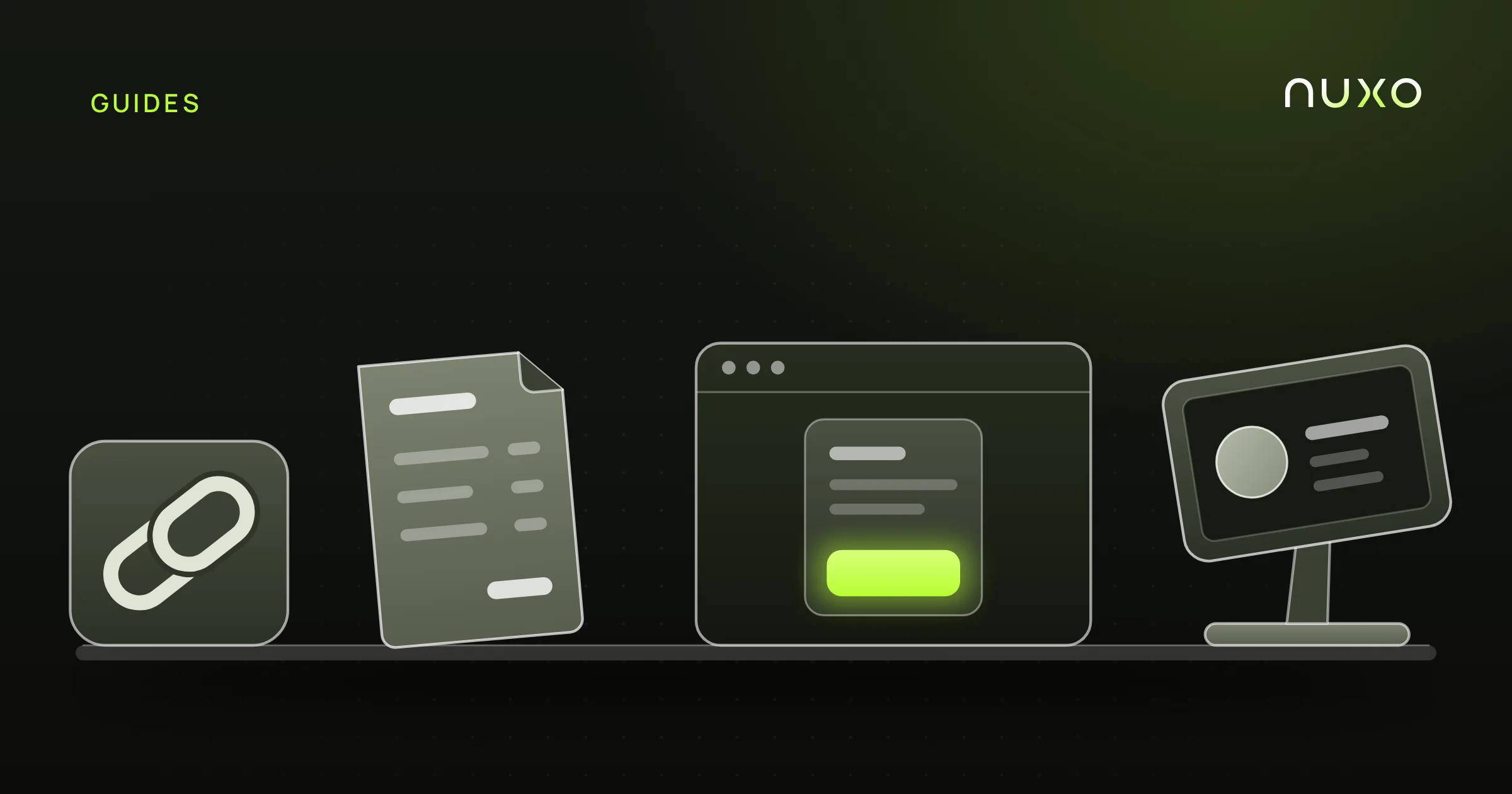
| Way | Best for | What you build |
|---|---|---|
| A payment link | Selling in a chat, on social media or from a printed QR code | Nothing |
| An invoice | Billing a client for work or an order | Nothing |
| A checkout on your site | An online shop or a website | 2 lines of HTML, or one API call |
| An in-store register | A counter, a market stall, a café | Nothing: a tablet or a phone |
A payment link
A payment link is one link that takes a payment. Send it in a chat, put it in your bio or print its QR code on a menu. Your customer opens it, picks a coin they hold and pays. The amount can be fixed in your currency, set in a coin or left open for them to name. More on payment links.
An invoice
Bill in your own currency, with your own invoice numbers, and get paid in crypto. The invoice goes out by email with its PDF, reminds your customer as the due date comes and goes, and closes itself when it is paid. For a customer who pays every month, a subscription sends each period’s invoice for you. More on invoices.
A checkout on your website
There are three ways, from the least work to the most control:
- A Pay with Crypto button. Paste 2 lines of HTML, and a click on the button opens the checkout over your page. More on the payment button.
- The hosted checkout. Your server creates the payment with one API call and sends the customer to a page we host, which brings them back to your site once it is paid. More on hosted checkouts.
- Your own screen. Take the address, the exact amount and the QR code from the same call and draw the payment step yourself. More on the API.
Trust the webhook, not the page
Whichever way you pick, ship the order when your server hears the signed payment.paid webhook, not when the customer’s browser says so. A page can be closed or faked; the webhook cannot.
An in-store register
Any tablet or phone becomes a register in the browser, with nothing to install. The cashier types the amount. The customer scans the QR code with their own phone, adds a tip if you allow tips, and pays. The register shows the payment the moment it lands. More on point of sale.
What happens after your customer pays
- The price is set. Your customer sees the amount in your currency and what to send in their coin, at a rate that holds for 15 minutes at a time.
- They send it. They scan the QR code with their wallet, or copy the address and the exact amount.
- The network confirms it. The payment is pending as soon as it is seen and paid once its confirmations are in: under a minute on 32 of the 43 networks, about 30 minutes on Bitcoin’s own chain. More on how long each network takes.
- Your balance is credited, less the fee, and your webhook hears it.
Customers sometimes send too little or too much, and the payment page handles both.
来自帮助中心
如果客户发送的金额不对怎么办?
如果他们付少了,页面会显示仍欠的金额和同一个付款地址,您也会收到通知,可以接受已到账金额或退款。如果他们付多了,多付部分会为他们保留7天,取回链接会发送到他们付款前填写的邮箱,因此谁都不必写信给您的客服。
阅读完整回答What it costs
At Nuxo, a payment you receive costs a flat 1%, whatever the coin or the network, with no monthly fee, no setup cost and nothing per payment. Bringing a customer’s payment into your balance costs a network fee on most chains, and that cost is ours.
- Converting a balance: 0.2% between USDT, USDC, USD1 and PYUSD, and 1% for any other pair, shown before you confirm.
- Sending money out: the network’s fee, shown before you send.
- Moving money between Nuxo accounts: nothing.
Other gateways price this differently, and the headline rate is rarely the whole bill. Our comparison of crypto payment gateway fees puts the published rates side by side.
Where the money goes
Every coin you are paid in is one balance, whichever network it arrived on. If you would rather not hold the coins your customers pay in, turn them into your settlement asset, such as the stablecoin USDC, by hand or automatically. From there, you can send it to any address: one payout at a time, up to 500 from a file, or by a rule that runs itself. Paying out to a bank account is not offered today. More on the wallet and payouts.
The rules to know
In live mode, every payment you receive is screened before it is credited, wherever the network lets us read who sent it, and every payout is screened before it is sent. You sign up without documents; if one of our checks calls for it, you verify your business once, by a date you are given. More on compliance.
来自帮助中心
我需要认证企业身份吗?
只有在我们的某项检查要求时才需要,而且只需一次。注册时,我们只询问账户是个人还是企业使用,不要求提交任何文件。如果我们要求您认证,会通过邮件和控制台通知您,并给出截止日期;完成之前,您向外发送的资金需要等待(出款、转账、用Nuxo余额付款、兑换,以及您主动发起的退款),而付款仍会照常到账入账,客户申请的退款也照常发出。为提现内测扶持金而进行的认证是另一回事:那种情况下只有扶持金需要等待。
阅读完整回答How to start
- Try it in test mode. Every account has a free test mode, with its own balance and keys on 10 testnets. End a payment any way you like; nothing real moves. More on the sandbox.
- Apply for the closed beta. While it runs, new accounts open by invitation, and approved applicants get their invite by email when the beta opens. More on the closed beta.
- Take your first payment with a link or an invoice, then add the checkout to your site when you are ready.
常见问题
Can I accept crypto payments without a website?
Yes. A payment link or an invoice needs no website, and an in-store register runs on a tablet or a phone. All three are set up from the console.
Do I need to hold crypto to accept it?
No. You need no wallet of your own and no coins to start. Payments arrive in your balance, and you can turn them into a stablecoin as they come in.
Which coins should I accept?
Leave the choice to your customer. A link, an invoice or the checkout offers every coin and network you allow, and your customer pays from where their coins already are.
 X
 LinkedIn